Press Kit
Everything you need to cover SilicaAI — descriptions, screenshots, and contact.
Product at a glance
Short description
Approved for directory listings, app store descriptions, and review summaries.
Long description
Approved for reviews, articles, and directory submissions.
SilicaAI brings together the workflows most people rely on cloud AI for — chat, transcription, image generation, presentations, and autonomous agents — and runs them entirely on-device on Apple Silicon Macs. Because inference happens locally, your prompts, transcripts, and generated content never leave your machine unless you explicitly choose to use an optional cloud integration.
The app is designed as a unified workspace rather than a collection of separate tools. A single Model Library manages chat models (GGUF format), Whisper transcription models, and Stable Diffusion and Flux image models in one place, with automatic hardware compatibility filtering based on your Mac's chip and RAM. Users can assign different models to different features — a fast small model for rewrites, a larger reasoning model for analysis — without technical setup.
SilicaAI is currently available as a free public beta for macOS 14 (Sonoma) or later. Apple Silicon is recommended. No account is required to use local workflows.
Screenshots
For higher-resolution assets or custom screenshots, contact support@silicaai.tech.
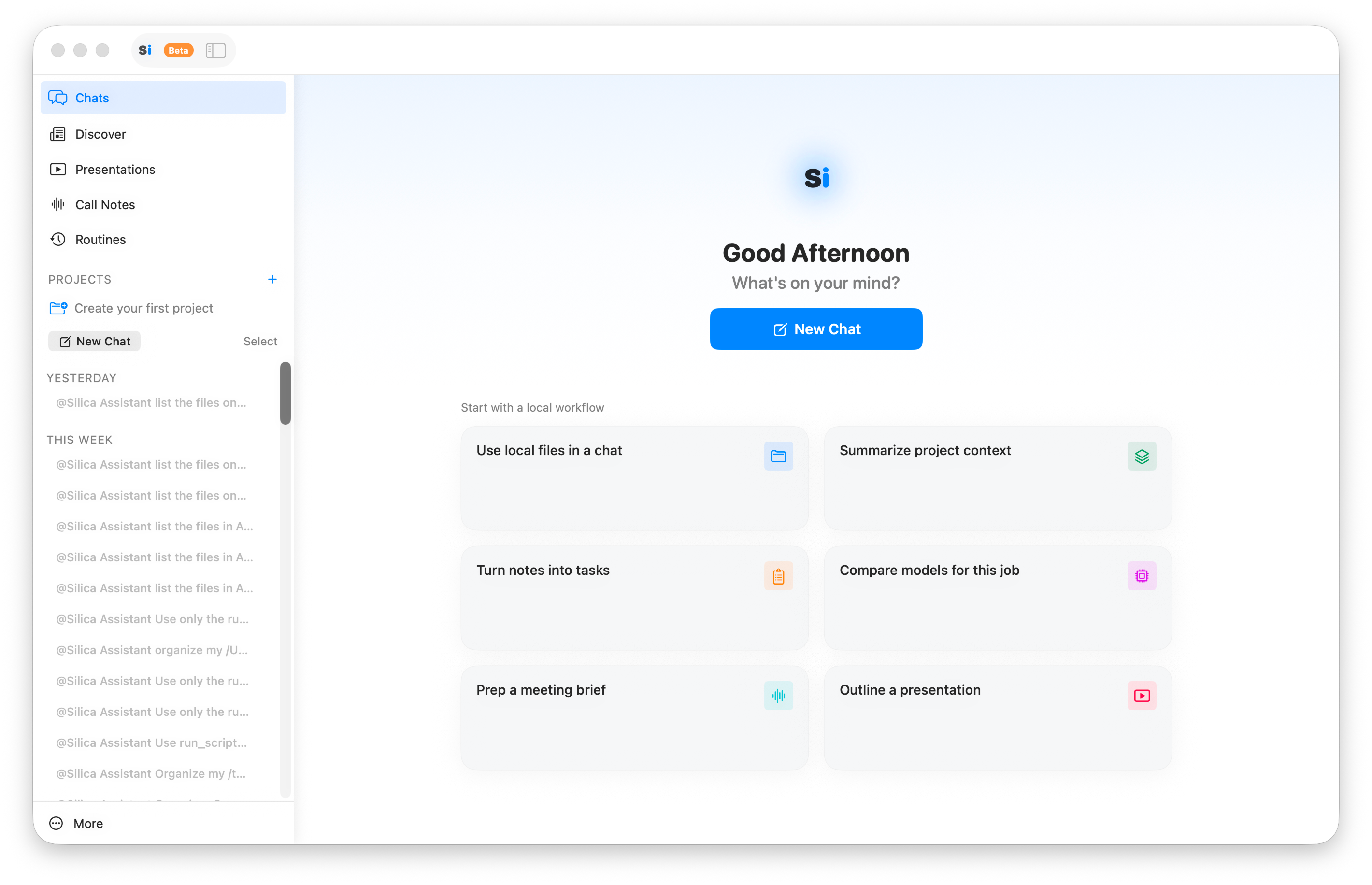
SilicaAI Chat + Canvas — multi-turn AI chat with code highlighting and canvas panel
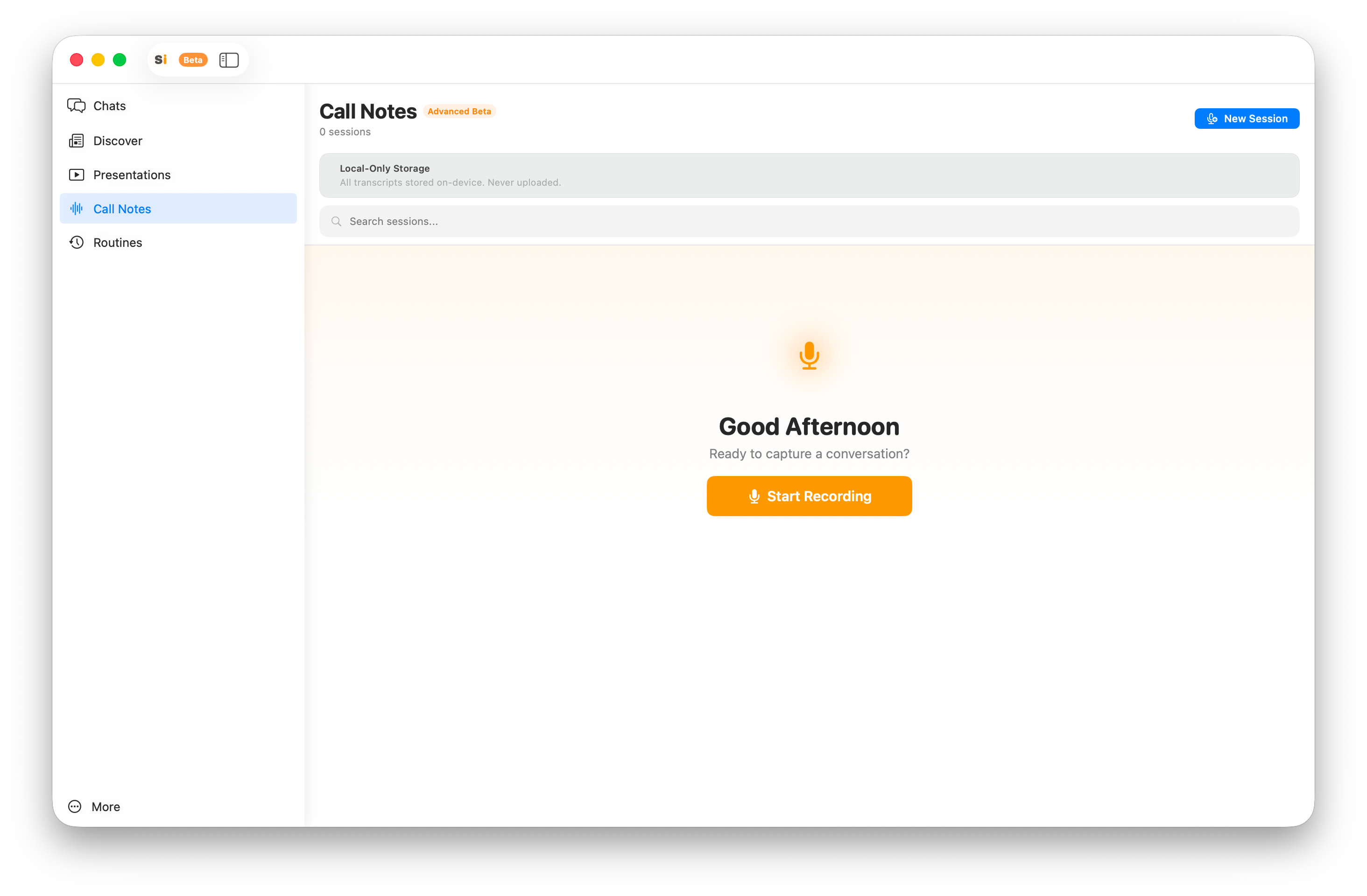
SilicaAI Call Notes — live transcription and AI summary of meetings
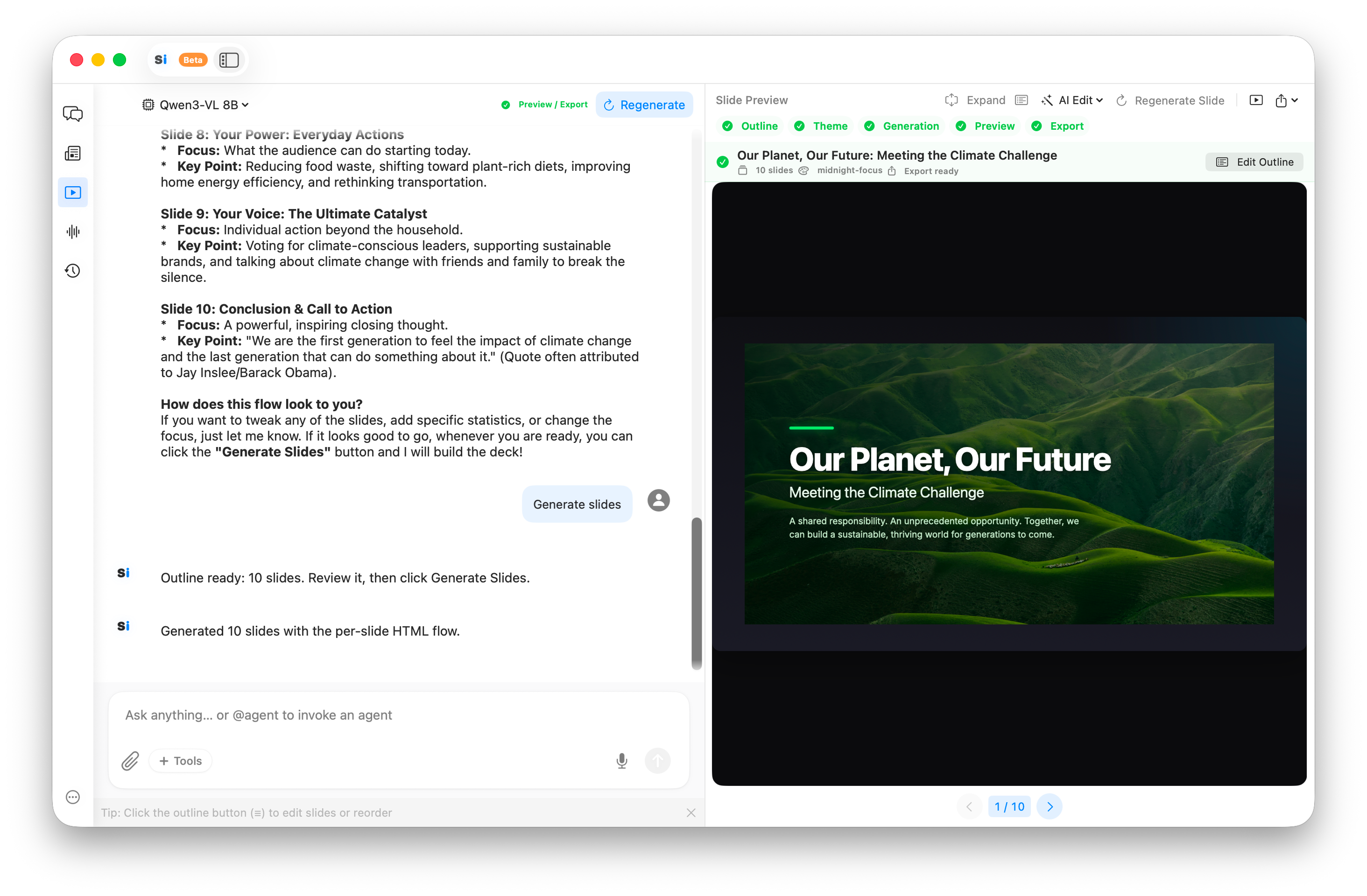
SilicaAI Presentations — AI-generated slide decks from a text prompt
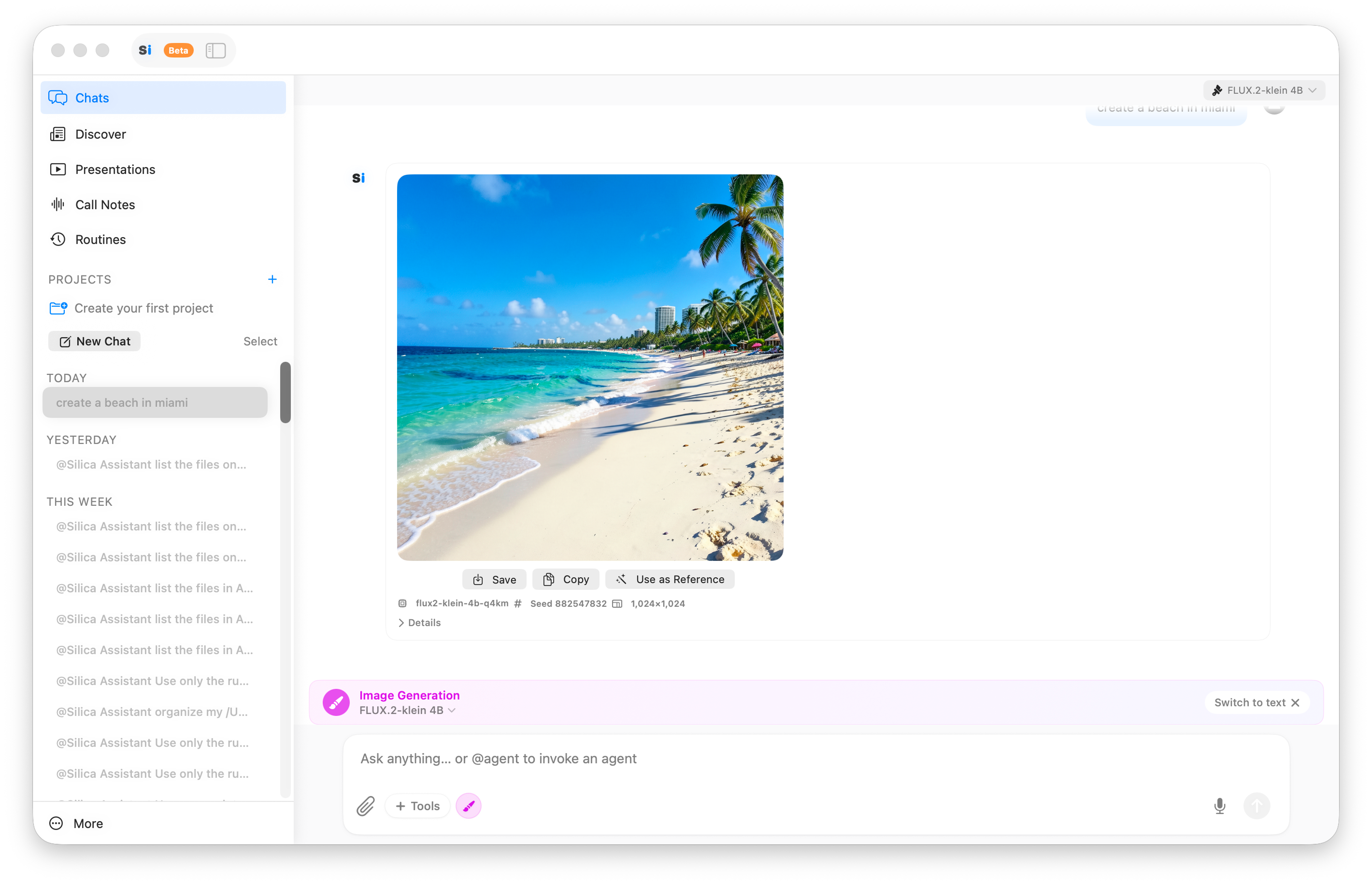
SilicaAI Design Studio — local image generation with Stable Diffusion and Flux
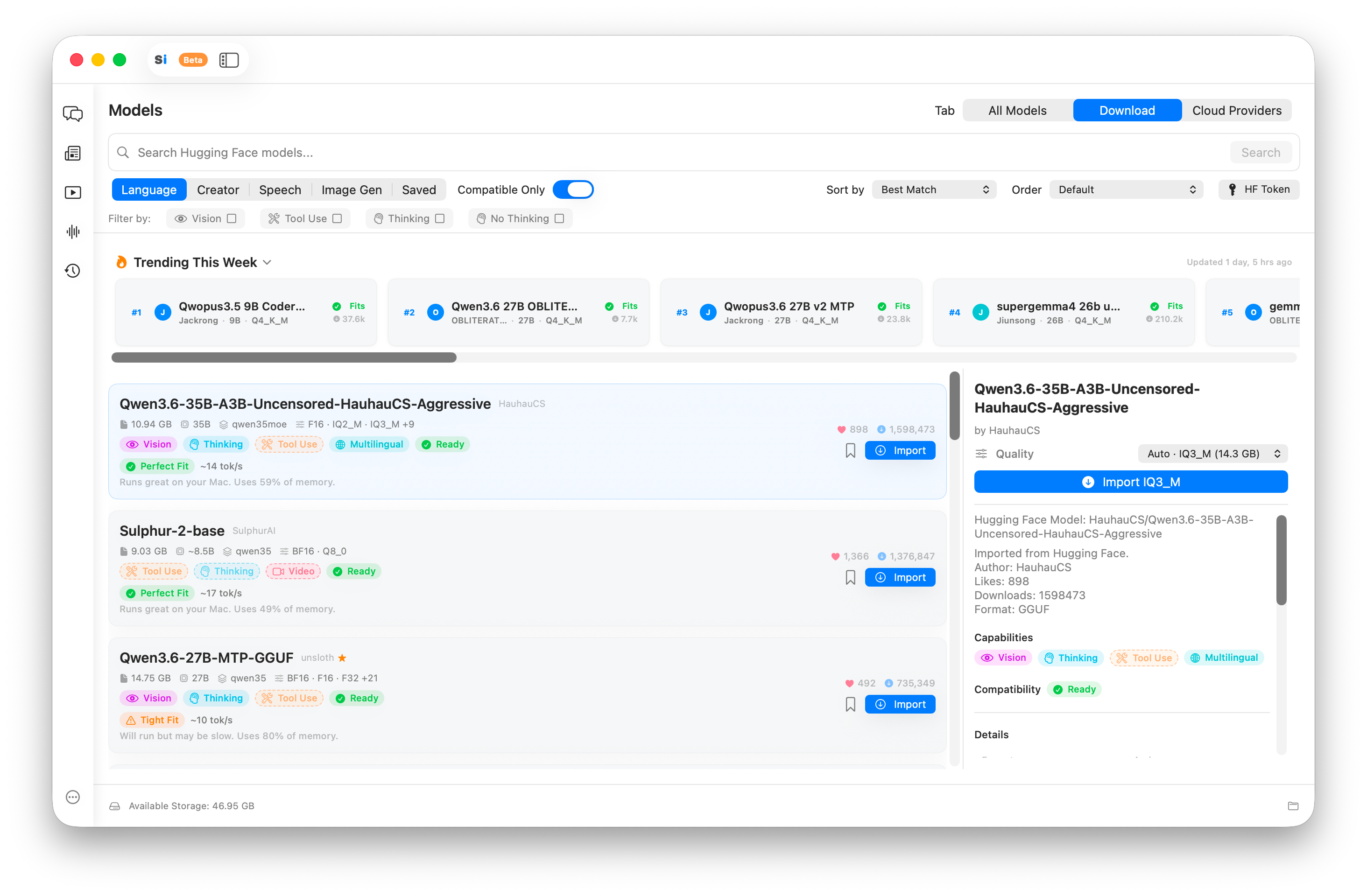
SilicaAI Model Library — browse and download AI models filtered to your Mac's RAM
Key facts for coverage
- Core AI features — chat, transcription, image generation — run entirely on-device with no cloud dependency.
- Supports GGUF format open-source models: Llama, Mistral, Qwen, Gemma, Phi, and others.
- Whisper transcription works offline for meeting notes and voice assistant.
- Design Studio uses local Stable Diffusion and Flux models — no subscription, no usage limits.
- Optional cloud integrations (OpenAI, Anthropic, others) can be enabled per-feature.
- No account required for local workflows.
- Built for Apple Silicon. Requires macOS 14 (Sonoma) or later.
- Currently in free public beta. Pro tier planned.
Useful links
App icon & logo
Use the official SilicaAI app icon for coverage and listings.
Contact support@silicaai.tech for additional logo formats. Please do not alter colors or proportions when using official assets.
Media contact
For review copies, interview requests, custom screenshots, or press inquiries:
support@silicaai.tech